
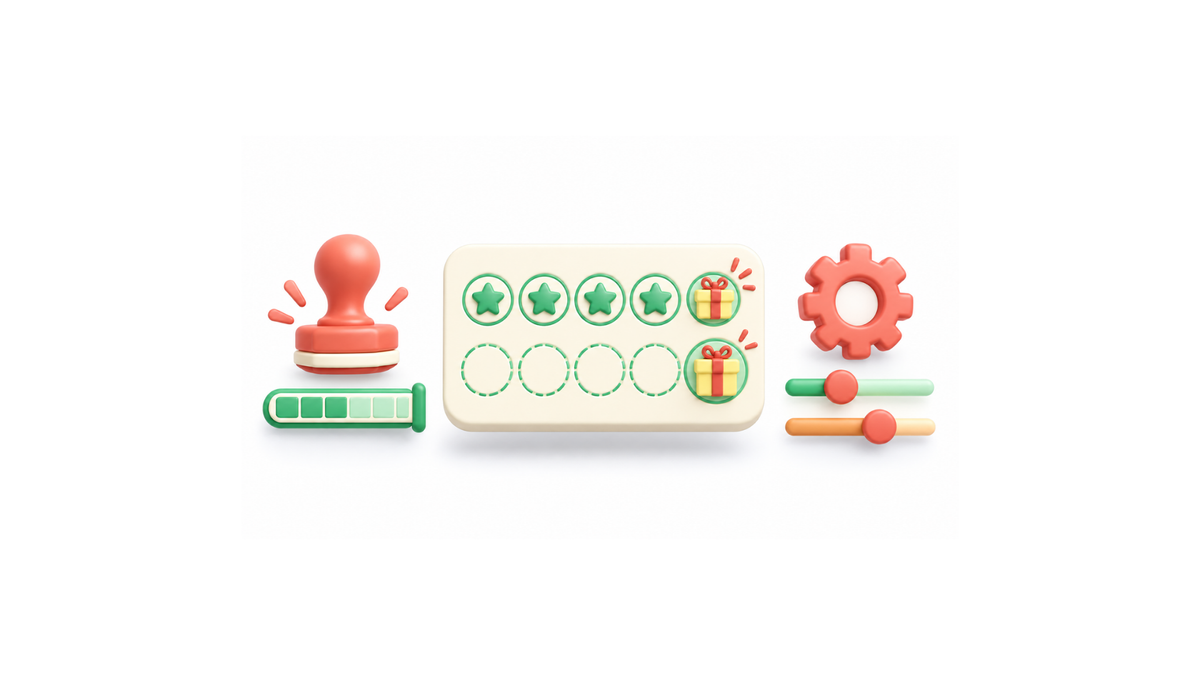
What stamp card rules need to solve for repeat visits
A digital stamp card is the plainest of loyalty models: a customer collects one stamp per qualifying visit or purchase, and at a set count a reward unlocks. The pass sits in Apple Wallet or Google Wallet and gets scanned at the counter, so there are no physical cards to reprint and nothing extra to install.
The rules are where setups differ. Three questions need separate answers: how a stamp is earned (per visit, per amount spent, or per specific product), when collection is capped, and at which counts a reward fires.
Two terms get mixed up constantly. Stamp limits cap how fast someone can collect: for example, restricting a customer to one check-in per day so a single queue visit can't become five stamps. Milestone rewards are smaller prizes placed before the final one; Loyaltify's stamp card documentation uses an eight-stamp card that gives a coffee at stamp 4 and a croissant at stamp 8. Limits are different again from reset behavior (counters clearing on a schedule) and expiry (stamps or the whole card lapsing after a period).
Good rules stop the obvious abuse repeat scans, shared passes without punishing the regular who genuinely comes in twice on a Saturday. The sections below cover earning limits, milestone structures, setup tradeoffs, and the questions worth asking a vendor.
How to cap stamp collection without slowing down checkout
Every stamp card needs an answer to one question: what counts as a stamp? Three earning rules cover almost every setup. Visit-based rules award a stamp per check-in. Spend-based rules tie a stamp to a threshold, such as one stamp per €10 spent. Product-based rules award stamps only on specific items, so a bakery can run a coffee card without stamping bread sales. Loyaltify's card builder supports all three, along with an option to restrict a customer to one check-in per day.
Caps sit on top of the earning rule and stop a single transaction from filling the card. The common ones:
| Rule | What it controls | Example setup |
|---|---|---|
| Stamp earning limit | Caps how many stamps one customer can earn in a set period, so a single visit or a busy day can't overfill the card | Loyaltify's restriction setting: maximum 8 stamps per week per customer |
| Rolling window | Counts activity across a moving period instead of a hard reset | Limits stamps to 3 per rolling week |
| Expiry | Retires stamps or the card after a set time | Stamps expire after 90 days of inactivity |
Tighter rules protect margin, but each one adds a way for a genuine customer to be refused at the counter. A one-per-day cap is easy to explain and easy to defend. A rolling window plus stamp expiry gives more control over how loyalty models and rewards are funded, but staff will field questions about why a stamp disappeared — so the rule needs to be visible on the pass, not buried in terms.
Most retail and service businesses start with one stamp per visit, one per day, and no expiry, then tighten only if they see the same pass scanning twice in ten minutes.
How milestone rewards work on one card
A milestone reward is an intermediate prize handed out partway through a stamp card, before the customer reaches the final redemption. Instead of one payoff at the end, the card carries two or three smaller ones along the way.
The reason is simple: the gap between the first stamp and the last is where most cards go cold. A customer who needs eight visits to earn anything has seven visits with no visible return. Placing a reward in the middle gives them a reason to come back sooner, and it gives staff something to mention at the counter. This is one of the clearer differences between older punch-card thinking and the loyalty models and rewards structures now common in digital programs.
A worked example: on an eight-stamp card, stamp 4 unlocks a free coffee and stamp 8 unlocks a croissant. The Loyaltify help documentation uses exactly this setup to illustrate milestone rewards added before the final reward.
Labeling matters more once there is more than one reward on the card. The pass should state what each threshold gives and at which stamp it lands, in words a part-time employee can read out in two seconds "free coffee at 4, croissant at 8." Loyaltify supports similar setups: multiple milestone rewards in one reward cycle, with a final reward at the end that resets the card counter, so the reward positions stay easy for staff and customers to follow.
Two practical limits: keep the number of milestones low, since three or four reward points on one card is hard for customers to track, and make sure the intermediate reward is small enough that the final one still feels worth finishing.
Which setup is easier to run: rule flexibility, wallet support, or staff effort
Most stamp card decisions come down to three setups. The table below compares them on the things that actually change your day-to-day work.
| Setup | Rule flexibility | Wallet support | Setup effort |
|---|---|---|---|
| Simple visit-based card | One stamp per visit, one reward at the end | Pass saved to Apple Wallet or Google Wallet, scanned at the counter | Lowest: pick the stamp count and the reward |
| Capped daily collection | Adds controls such as maximum stamps per visit, maximum stamps per day, a rolling window, and expiry | Same pass distribution; limits are enforced on the back end, not in the wallet | Medium: every cap needs a matching instruction for staff |
| Multi-milestone card | Rewards at several points — Loyaltify's documentation uses stamp 4 as a milestone reward (a free coffee) and stamp 8 as the final reward that completes the cycle (a croissant) on an eight-stamp card | Same pass distribution; the card artwork has to show progress clearly | Highest: each milestone needs planning, and distinct icons help customers read the card |
A short checklist for judging platforms:
- Rule flexibility: Can you earn on visits, on spend, and on specific products and can you restrict collection to one check-in per customer per day?
Loyaltify covers all of these limit options in one builder, so there's no need to piece together rules from multiple tools. - Wallet support: Confirm the pass installs in both Apple Wallet and Google Wallet without a separate app download.
Loyaltify pushes wallet support further with an individual stamp logo, a tracker on the card back, a rewards field, and custom fields, so the pass carries more useful detail than a bare stamp count. - Setup effort: Count the decisions before launch, not the vendor's demo time. With Loyaltify, setup effort is genuinely easy once you know what you want, building the card in the platform takes 10-15 minutes. The real work is upfront: knowing what type of loyalty program you want before you open the builder.
The tradeoff is consistent across loyalty models and rewards: more rule options mean more planning and a clearer staff briefing. If your counter is busy and your offer is simple, restraint beats configurability. If you are trying to lift the second and third visit, milestones earn the extra setup time.
What to check before you buy a stamp card system
Can stamps be limited by visit, day, product, or spend?
On most modern platforms yes, but the combinations differ, so confirm them before you commit. Card builder supports visit-based, spend-based, and product-based earning, plus an option to restrict a customer to one check-in per day. Loyaltify handles these as a single set of settings rather than separate tools: stamps per card, earning restriction, and expiry all live in the same builder. Ask specifically what happens after a reward is claimed: does the card reset to zero, roll leftover stamps forward, or start a fresh cycle with its own expiry date?
What happens when a customer hits a milestone?
A milestone is simply a reward placed before the final one an 8 stamp card can give a coffee at stamp 4 and a croissant at stamp 8, as Loyaltify's stamp card documentation describes. The customer keeps collecting toward the end reward afterwards. Check whether the milestone reward is flagged to staff at the point of sale or only visible in the customer's pass, and whether redeeming it consumes stamps. Using distinct icons for each reward is good practice for any multi-reward design: if the card is unreadable at a glance, staff will explain it instead of scanning it.
Do wallet passes update on their own?
With Apple Wallet and Google Wallet passes, stamp counts and reward status update on the pass itself after a scan, so there are no physical cards to reprint. Confirm two things with the vendor: how quickly an update appears after a claim, and what happens to already-issued passes when you change the rules mid-programme.
How do you stop abuse without annoying regulars?
Daily caps and one-check-in-per-day limits handle most self-scanning risk. Keep the rest simple the fewer conditions a cashier has to explain, the better the programme performs.
Before launch, compare three things across your shortlist: rule flexibility, wallet support, and setup effort. Those decide whether your loyalty models and rewards stay easy to configure or quietly become a system nobody wants to run.
Choose Loyaltify if you want a stamp card system that balances flexible rules, wallet support, and milestone rewards in one setup.