
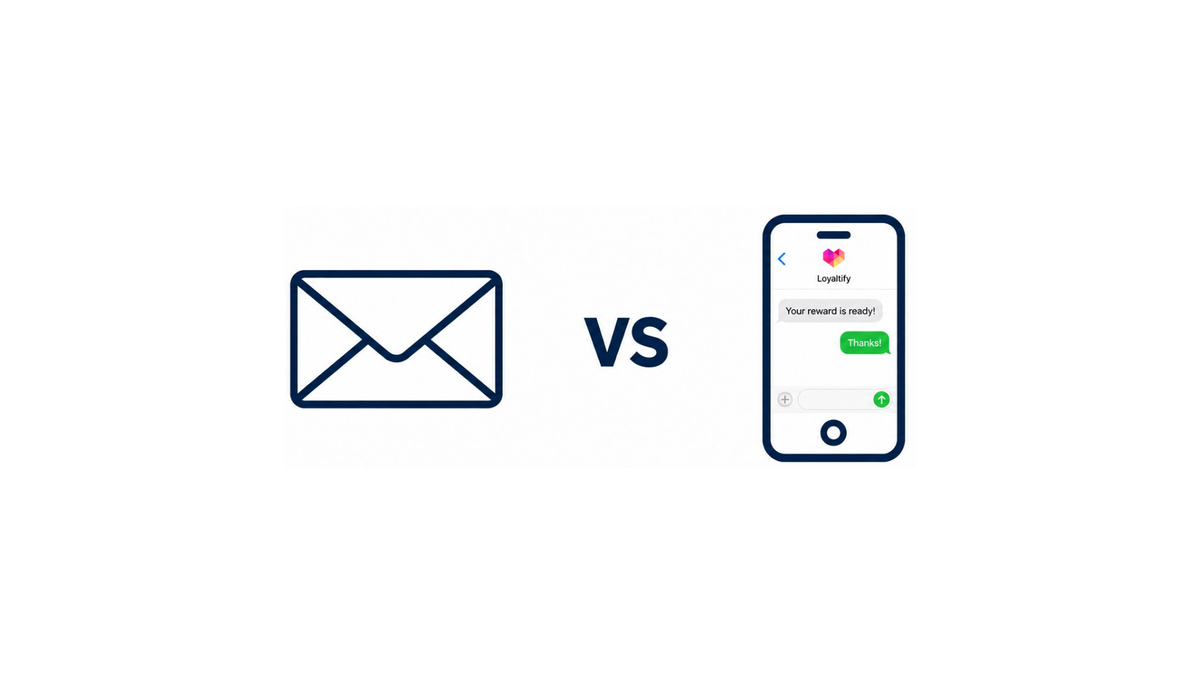
Email vs phone at signup: the real choice for wallet-first loyalty
When the loyalty card lives in Apple Wallet or Google Wallet, customer enrollment and signup stops being a form-design question and becomes a counter workflow question. Someone is at the till with a queue behind them. Staff needs one field, one tap, and a pass that lands on the phone before the customer walks out. So the decision narrows fast: ask for an email address, a mobile number, or both.
Each choice moves three things at once. Fewer fields usually means more people finish enrollment. The identifier you collect determines how the pass gets delivered a link by email or by text. And it sets your follow-up reach for months afterward, which is where the retention value actually sits.
The Wise Marketer's overview of quick-service enrollment methods notes that offering several entry options works better than forcing one, and that either an email or a phone number captured at the point of purchase can trigger a follow-up message to complete signup.
The sections ahead weigh those three setups for small and mid-sized businesses running scannable passes through a white-label program including where phone genuinely beats email, and where the extra field costs more than it returns.
When email is the better signup field
Email is the stronger required field when the goal is getting a pass into Apple Wallet or Google Wallet with as little counter friction as possible. One address delivers the pass link, confirms enrollment, and creates a stable record tied to the customer no carrier rules, no number reassignment, no re-verification when someone switches phones. The minimum viable version in practice: email plus first name, birthday optional, phone added only if the business wants it.
That single field also does double duty after the sale. Receipt follow-up, pass re-sends, and account recovery all run off the same address, which matters when a customer loses their wallet pass six months in and staff need to find them fast. At the counter, most people can spell an email without hesitating it feels routine in a way that handing over a mobile number sometimes doesn't, particularly with privacy-conscious customers.
The tradeoff is attention. Grasshopper's comparison of phone versus email for customer conversations makes the plain point that email is easy to send and just as easy to ignore. If your rewards depend on same-day nudges "two stamps left, redeem today" email alone will underperform.
So: make email the required field when you want a simple first step in customer enrollment and signup, a clean digital record, and no added hesitation at the register. Collect phone as the optional second identifier later, once the customer has already claimed a reward and trusts the programme.
When phone is the better signup field
A phone number earns its place at the counter when the business has a concrete reason to message someone within days, not weeks. Think a coffee shop running a "second visit this week" reward, a salon confirming appointments, or a car wash pushing a rainy-Tuesday offer. Text messages land on the lock screen and get read fast, which matters when the message has an expiry date attached to it. Email rarely moves that quickly.
Phone also opens a two-way channel. Grasshopper's comparison of calling versus emailing customers makes the practical point that email is easy to send and just as easy to ignore, while a phone conversation supports back-and-forth and builds the relationship. For a loyalty program, that translates into reward nudges, "you're one stamp away" reminders, and reactivation texts to customers who haven't scanned a pass in sixty days all with higher visibility than an inbox gives you.
So make phone the required field only when messaging is part of the plan. If customer enrollment and signup exists mainly to issue a wallet pass and track visits, requiring a number adds friction you won't recoup.
Which Should You Collect at Signup?
The right choice depends on how you deliver loyalty passes and communicate with customers afterward. Start with one required field and collect the second later if it serves a clear purpose.
| Criteria | Phone Number | |
|---|---|---|
| Pass delivery | Suitable for sending and resending a wallet pass link. | Suitable for delivering a wallet pass link via SMS. |
| Follow-up communication | Newsletters, receipts, and detailed offers. | Short reminders and time-sensitive offers. |
| Message visibility | Messages may get overlooked in a busy inbox. | May offer better visibility for time-sensitive reminders. |
| Customer comfort | May feel more familiar and less intrusive to some customers. | May feel more personal and create hesitation during signup. |
| When to require it | When email is your main channel for pass delivery and follow-up. | When SMS is an active part of your communication plan. |
When to collect both email and phone
Asking for both identifiers makes sense when each one has a job. Email is the reliable delivery channel for the pass itself a link that lands in an inbox and can be re-sent weeks later when someone switches phones. The phone number is the follow-up channel, useful for short reminders that get read quickly. The Wise Marketer's guidance on enrollment methods for quick-service loyalty programs points the same way: offer multiple options at the point of purchase, since either field can trigger a message that completes the sign-up.
The second benefit is matching. Two identifiers make it far easier to recognize the same person at the counter and online. One identifier breaks when an inbox goes stale or a number changes; two rarely break at once.
The tradeoff is real. Every extra field at the counter costs completion, and staff feel it during a queue. So sequence it:
- Step 1: At the counter
Ask for one field only. Email if the pass is delivered by link and you plan to re-send it; phone if sign-up happens by text and staff never touch a keyboard. - Step 2: After the pass is in Apple Wallet or Google Wallet
Request the second field on the confirmation screen or the first pass message, framed as a benefit (birthday reward, receipt, restock alert). - Step 3: Only require both upfront
İf the program has a high-value tier or you genuinely send on both channels.
Treat the second identifier as an upgrade, not a gate.
The tradeoff between friction, deliverability, and privacy
Every field you add to customer enrollment and signup costs seconds at the counter. At a busy till, that matters: a cashier typing a name, an email, and a phone number holds up the line in a way that a single field does not. Loyaltify's app-free loyalty pass flow shows how lean this can get email plus a first name, with birthday optional and phone added only if the business actually wants it. Fewer fields, faster enrollment, more passes in Apple Wallet and Google Wallet before the customer walks out.
The cost shows up later. If you only hold an email address, your follow-up is only as good as your inbox placement. SMS messages tend to get opened and read within minutes, while email competes with a crowded inbox a gap familiar to anyone who has watched a reminder campaign underperform. Grasshopper makes the softer point that phone contact suits back-and-forth; email is easy to send and just as easy to ignore.
Holding both identifiers is mainly an identity problem, not a messaging one. Voxwise's case for unified customer profiles makes the point that resolving the same person across channels is exactly what lets a scanned wallet pass at the counter line up with an online order.
The Wise Marketer's guidance for quick-service restaurants lands in the same place: offer several ways in, let either an email or a phone number be captured at the point of purchase, and use it to complete enrollment afterwards.
Privacy is the brake. Every extra field is personal data you now store, secure, and justify. RetailWire's discussion on loyalty program opt-outs points to data-sharing concerns as a recurring reason people decline before they ever reach the counter. Collect the smallest set your follow-up plan genuinely uses and nothing you have no concrete plan for.
A simple counter flow for wallet pass signup
Picture a busy counter at 12:40 p.m. The flow has to survive a queue, so keep it to three steps:
- Scan A QR code sits on the counter card or the terminal screen. The customer scans it with their phone camera — no app download, no physical cards.
- One field A single form field loads. Ask for email if your follow-up is receipts, newsletters and offer emails; ask for mobile number if your reminders are time-sensitive and you want them read within minutes. One field, one keyboard, one tap.
- Pass The pass is generated and added to Apple Wallet or Google Wallet. Staff scans the barcode on the customer's screen to credit the visit. Total time: well under a minute.
The second identifier doesn't have to be collected at the register. Because the pass stays on the phone and can be updated after issue, you can surface a short "add your mobile number" or "add your email" prompt on the pass back later after the second or third visit, when the customer has a reason to care.
The Wise Marketer makes a similar point about quick-service enrollment: offer the options, then use follow-up messages to complete the profile.
That split keeps customer enrollment and signup fast at the counter while still building the unified profile your reporting needs.
FAQ: signup fields, conversion, and what buyers should ask vendors
Is a phone number required to join?
Not necessarily. Collect the contact information your loyalty program actually needs. Email may be suitable for pass delivery and newsletters, while a phone number makes sense when SMS is part of your communication plan. Loyaltify’s enrollment form settings let businesses configure required and optional fields. Check the requirements of your chosen setup before making either identifier mandatory.
Does asking for email hurt conversion?
An email field can add typing time, but the overall effort matters more than the field alone. Keep the form short, enable autofill where available, and test the signup flow on a customer’s phone. With Loyaltify, customers can add their digital loyalty pass to Apple Wallet or Google Wallet after completing enrollment, without downloading a separate loyalty app.
Should both be mandatory?
Usually, only if both serve a clear purpose. Otherwise, keep the additional field optional. Loyaltify’s form customization helps businesses choose which information to request during enrollment. If you plan to collect more details later, first confirm how customers can update their profiles; updating a wallet pass does not itself collect new contact information.
What should buyers ask vendors?
Ask how customers receive and add their passes, which signup fields are required, whether SMS needs a separate provider, and who pays messaging costs. Also check how duplicate customer records are handled and where marketing consent is recorded. For Loyaltify, review the scheduled and automated wallet notification options alongside email and SMS capabilities, and confirm which features are included in your plan. Collecting contact details and obtaining permission to send marketing messages should be treated as separate steps.
Choose the simplest signup flow that supports your communication plan. Start with essential fields, test the experience at your counter, and use Loyaltify’s 14-day free trial to see how enrollment, wallet passes, and reward management work for your team.